Description
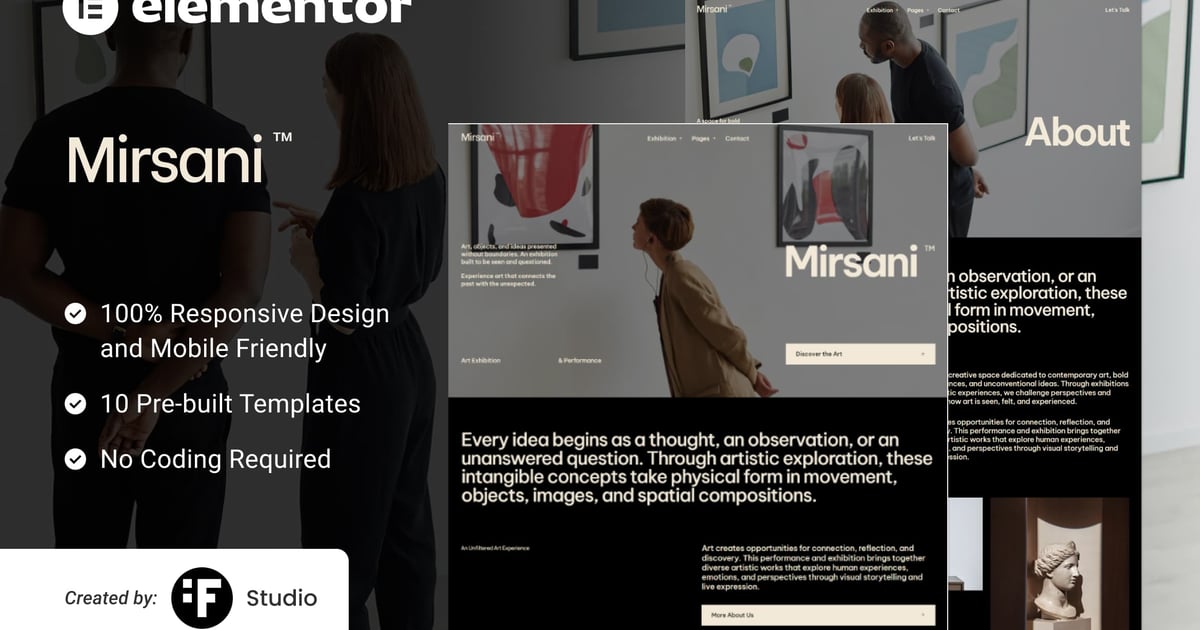
Mirsani is a contemporary, artistic, and expressive Elementor Template Kit crafted specifically for art performances, gallery exhibitions, museums, cultural events, theater shows, and visual artists. Built entirely with the free version of Elementor, this kit enables you to curate and launch an engaging exhibition website without needing Elementor Pro.
Mirsani provides a complete set of responsive page templates and blocks including Home, Exhibition, Exhibition Detail, About, Event, Review, Blog, Blog Detail, 404, and Contact.
Key Features
- Built with Elementor Free (No Elementor Pro required)
- 10 Complete Page Templates
- Clean & Contemporary Typography
- Fully Responsive & Mobile-Friendly Layout
- Easy to Customize with Drag-and-Drop Builder
Templates Included
- Home
- Exhibition
- Exhibition Detail
- About
- Event
- Review
- Blog
- Blog Detail
- 404
- Contact
Plugin Dependencies
- Elementor
- Jeg Elementor Kit
- ElementsKit Lite
- MetForm
- Elementor Header & Footer Builder
Fonts Used
- Be Vietnam Pro
- Manrope
How to Use Template Kits
- Install and activate the Envato Elements plugin from Plugins > Add New in WordPress.
- Download your kit file and do not unzip it.
- Go to Elements > Installed Kits and click the Upload Template Kit button. You may also import automatically by clicking Connect Account to link your Elements subscription, then import under Elements > Template Kits.
- Check for the orange banner at the top and click Install Requirements to load any plugins the kit uses.
- Click Import on the Global Kit Styles first.
- Click Import on one template at a time. These are stored in Elementor under Templates > Saved Templates.
- Go to Pages, create a new page, and click Edit with Elementor.
- Click the gear icon at the lower-left of the builder to view page settings, choose Elementor Full Width, and toggle Hide Title.
- Click the gray folder icon to access the My Templates tab and import the page you would like to customize.
Note: If you have Elementor Pro, headers and footers may also be customized under Theme Builder.
How to Import MetForm Custom Form
- Import the MetForm template first.
- Import the page or block template where the form appears, then open it in Elementor.
- Ensure the Hello Elementor theme is installed and activated from Appearance > Themes.
- Click the MetForm widget in the column where the form should appear and click Edit Form.
- Select New, leave blank selected, then click the Edit Form button.
- Click the gray folder Add Template button.
- Open the My Templates tab.
- Choose your imported MetForm template, then click Insert.
- Once the template is loaded, click Update.
Image Licensing
This Template Kit uses demo images from Envato Elements. You will need to license these images from Envato Elements to use them on your website, or you can substitute them with your own.