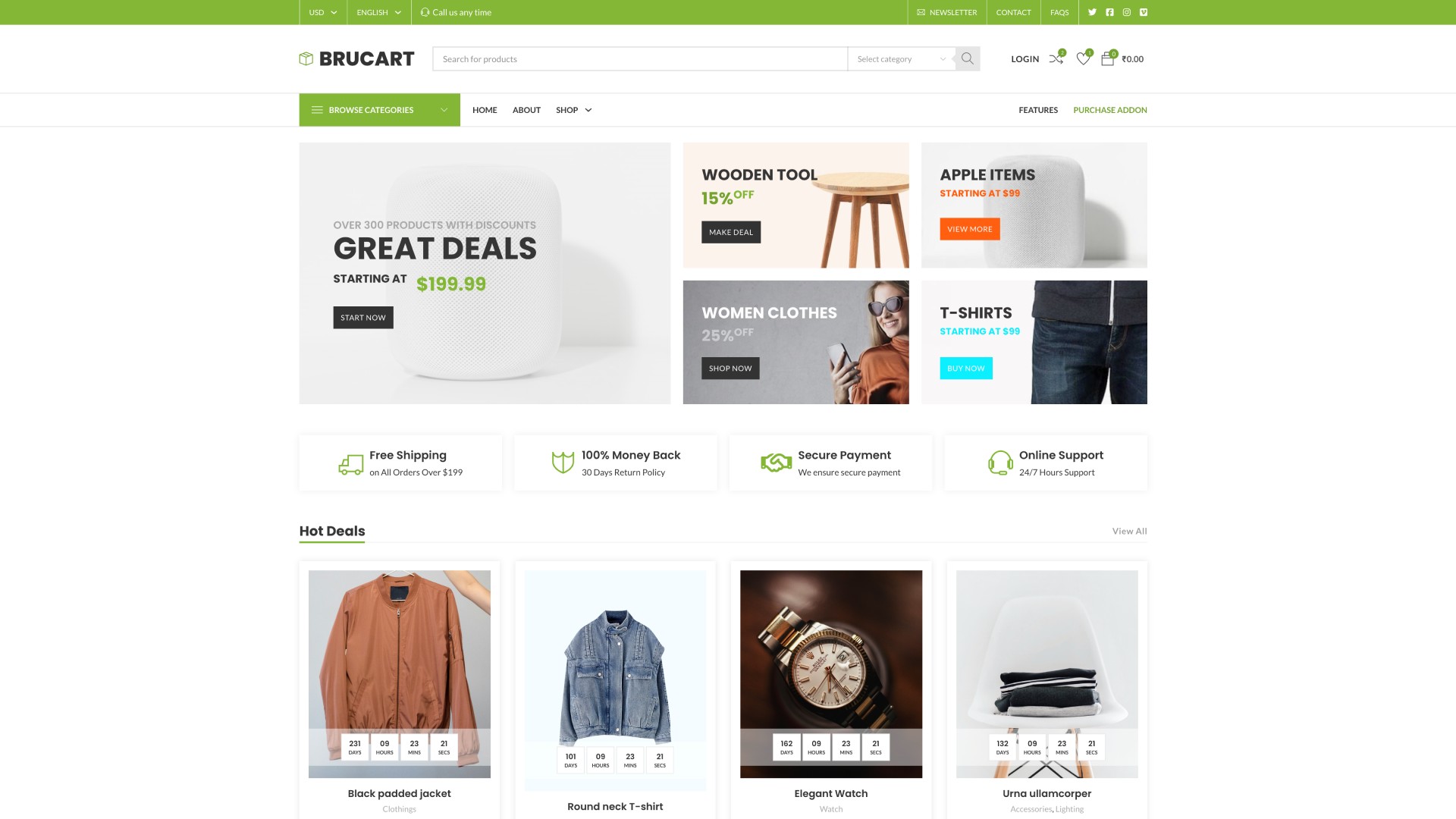
Brucart Theme by BricksUltimate
$3.00
How do you install the BruCart Theme?
- Please install the fresh WP and WP Vivid plugin on local dev environment.
- Download the zip file of the BruCart theme on your local machine.
- Go to your dashboard -> WP Vivid Plugin and import this zip file.
- Install and activate your own Bricks theme
- Install and activate the BricksUltimate
- Enter the license key of the BricksUltimate add-on and activate the plugin.
- Login to the site with following details which is given at below.
- Create the new admin account with strong password.
- Remove the brucart user’s account
Admin Access: Here is the access details of the wp-admin page. Admin page URL would be like this https://yoursite.com/wp-admin/
Username: brucart
Password: admin@admin#123






Reviews
There are no reviews yet.