Description
StreetBite – Food Truck & Street Food Elementor Template Kit
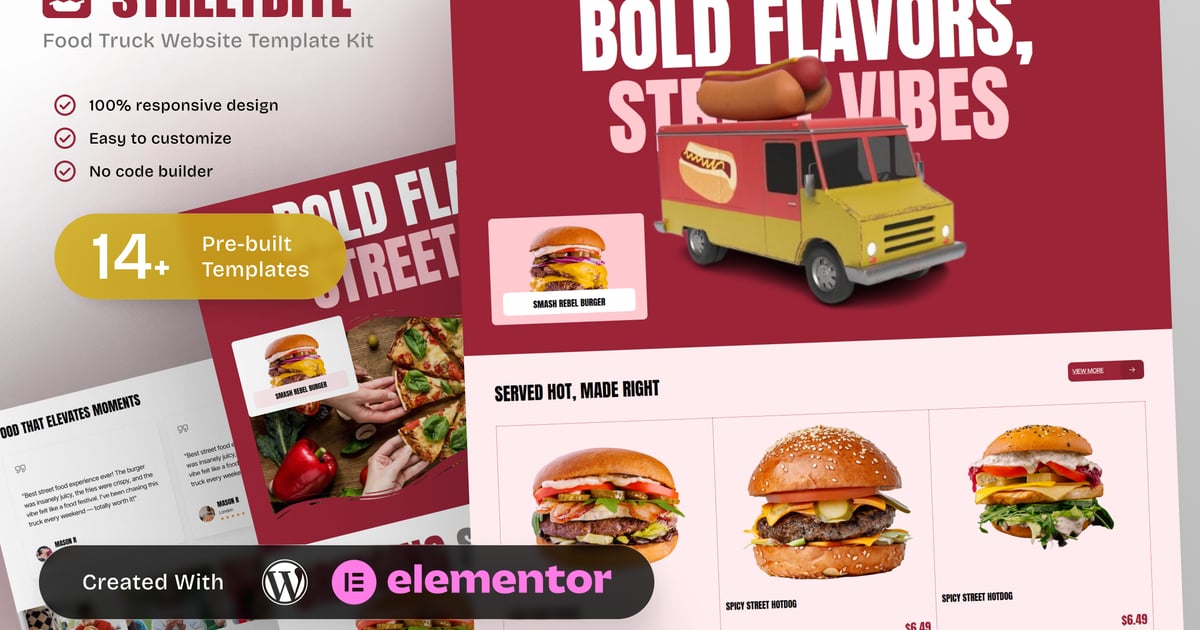
StreetBite is a focused Food Truck & Street Food Elementor Template Kit designed for food truck operators, street food vendors, and mobile food businesses. This kit helps vendors clearly present menus, locations, catering services, and booking information in a simple and engaging way.
Built specifically for street food and mobile dining use cases, StreetBite includes dedicated layouts for menu listings, single menu items, location updates, event catering, gallery feeds, and franchise opportunities. The structure emphasizes clarity and accessibility, making it easy for customers to find where to eat, what to order, and how to book the truck.
StreetBite is ideal for food trucks, street food stalls, pop up food vendors, and mobile catering businesses that need a professional and responsive website. Fully customizable with Elementor, this template kit delivers a consistent solution for food vendors focused on visibility, customer engagement, and bookings.
Templates in Zip:
- Home
- Our Menu
- Where to Find Us
- Catering & Events
- Our Story / About Us
- Single Menu
- Gallery
- Franchise Opportunities
- Contact & Book Truck
- FAQ
- Global Style
- Header
- Footer
- 404 Error Page
Required Plugins:
- Elementor
- ElementsKit Lite
- RTMKit Addons for Elementor
- Prime Slider
### How to Use Template Kits:
This is not a WordPress Theme. Template kits contain the design data for Elementor only and are installed using the envato Template Kit Import plugin for WordPress or directly through Elementor.
Detailed Guide:
https://help.market.envato.com/hc/en-us/articles/36033428836889-How-to-Upload-Install-Elementor-Template-Kits-from-Themeforest-to-WordPress
For further support, go to Elementor > Get Help in WordPress menu.
Setup Global Header and Footer in RomethemeKit
If you have Elementor Pro, setup headers and footers in Theme Builder. Pages you create with Elementor must have the Page Layout set to Elementor Full width for the global header and footer to appear.
- This addon requires PHP 8.3
- Go to Romethemekit > Theme builder > Header and click Add New
- Give it a title and select Header, click Condition tab and add Entire Site and click Save
- Click Edit with Elementor
- Click the gray folder icon to access My Templates tab and select the header template to import and Update.
- Repeat for Footer
Images:
This Template Kit uses demo images from Envato Elements. You will need to license these images from Envato Elements to use them on your website, or you can substitute them with your own.
https://elements.envato.com/collections/NPD9ABS3XU
Create by: Create Big Supply