Description
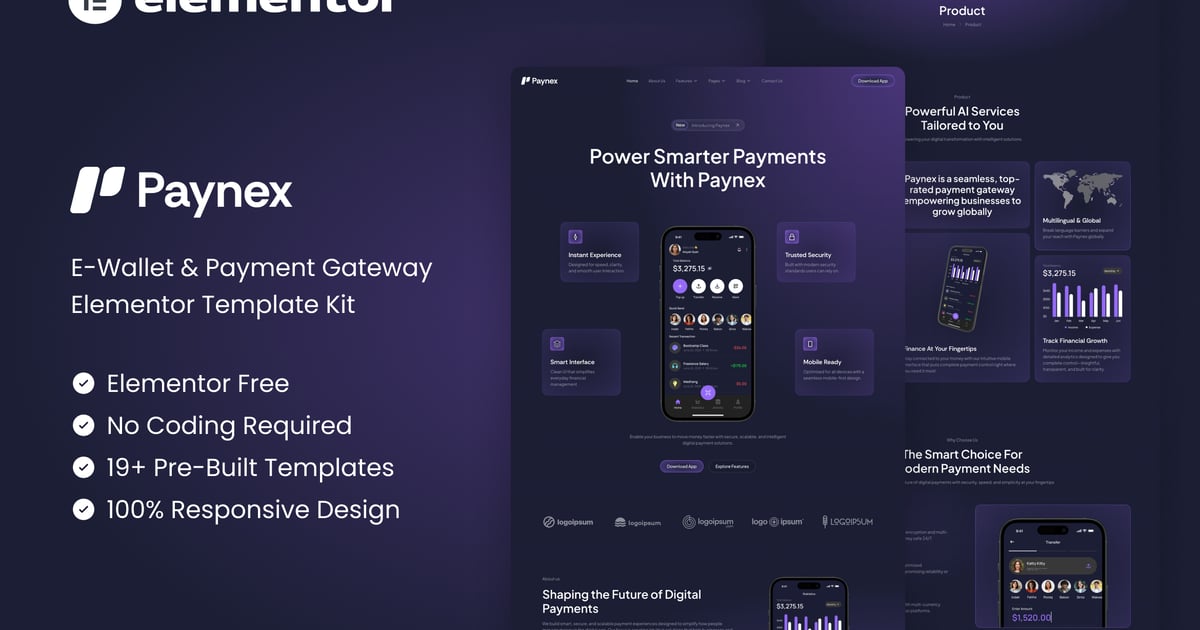
Paynex – E-Wallet & Payment Gateway Elementor Template Kit is a modern and professional solution designed for fintech startups, digital wallets, payment gateways, and financial technology companies. With a clean UI and conversion-focused layouts, Paynex helps you present your services, features, integrations, and pricing clearly while building trust with users and partners.
Built with Elementor, Paynex offers effortless customization without coding and is fully responsive across all devices. The kit includes carefully crafted pages for payments, features, integrations, pricing, blogs, and more—making it easy to launch a high-impact fintech website that looks credible, scalable, and ready for growth.
Important: This is an Elementor Template Kit. Do not use WordPress “Tools > Import”. Install the Template Kit Import plugin (Plugins > Add New), then go to Tools > Template Kit to import.
Features:
- For E-Wallet & Payment Gateway
- Fully With Elementor Free Version (Elementor Pro is not required)
- Simple, Modern and Clean Design
- No Coding Knowledge Required
- 19+ Ready To Use Templates
- Easy & Fully Customizable
Templates Include:
- Global Kit Style
- Home
- About Us
- Features
- Feature Detail
- Product
- Integration
- Pricing
- Team
- Testimonials
- FAQs
- Blog
- Single Blog
- Contact Us
- Metform Contact
- 404 Page
- Coming Soon
- Header
- Footer
Plugins installed with kit:
- Jeg Elementor Kit
- MetForm
How to Use Template Kits:
This is not a WordPress Theme. Template kits contain the design data for Elementor only and are installed using the Template Kit Import plugin for WordPress.
Install and import kits via Tools > Template Kit after installing the “Template Kit Import” plugin (Plugins > Add New > search “Template Kit Import” by Envato).
- Plugins > Add New → search “Template Kit Import” (by Envato) → Install & Activate
- Go to Tools > Template Kit
- Upload your Template Kit ZIP
- Click “Install Requirements”
- Import “Global Kit Styles” first, then the pages/parts you need
Help & Support
Need more help? Choose an option below:
- Full Guide: https://help.market.envato.com/hc/en-us/articles/36033428836889-How-to-Upload-Install-Elementor-Template-Kits-from-Envato
- Contact Us: https://themeforest.net/user/codeinsolutions#message
For further support, go to Elementor > Get Help in WordPress menu.
How To Import Metform Custom Form
- Import metform template
- Import the template where the form appears, then edit in Elementor
- Click the Metform widget in the column where the form should be and click Edit Form
- Select New, leave blank selected then click Edit Form button
- Click ‘Add Template’ grey folder button
- Click ‘My Templates’ tab
- Choose your imported metform template, then click ‘Insert’
- Once the template is loaded, click ‘Update’
How to setup header in Jeg Elementor Kit plugin
If you have Elementor Pro, headers and footers may be customized under Theme Builder.
- Go to Jeg Elementor Kit menu item > Header Template
- Click Add New Header
- Add condition > All Site and click Create
- Click the pencil icon to Edit and elementor will appear
- Click gray folder icon to access My Templates tab
- Insert the header template.
- Customize and Save.
Images
This Template Kit uses demo images from Envato Elements. You will need to license these images from Envato Elements to use them on your website, or you can substitute them with your own.
- https://elements.envato.com/collections/ZWYA4JXHBV?utm_source=my_collection&utm_medium=link&utm_campaign=share_collection
FAQ
- Can I import via WordPress “Tools > Import”? No. That importer handles WXR posts/pages. This is an Elementor Template Kit and must be imported with the Template Kit Import plugin via Tools > Template Kit.
- Do I need Elementor Pro? No, this kit is built for Elementor Free unless otherwise noted.
- My pages don’t look like the demo. Go to Tools > Template Kit and click “Install Requirements”, then import “Global Kit Styles” first before importing pages/parts.